Video to MP3 - Video to Audio
InShot Inc.
Downloads
50,000,000+
Source
Google Play
Advertisement
Click to download now, finish the installation quickly, and directly unlock the all-round experience
Advertisement
Screenshots
Click to download now, finish the installation quickly, and directly unlock the all-round experience
Video to MP3 - Video to Audio extracts audio from video files and converts media between supported formats. It suits people who want to save a clip’s sound as a music file, trim a section, or make a ringtone without using a separate converter and editor. InShot Inc. is the developer; the app is listed in Video Players & Editors.
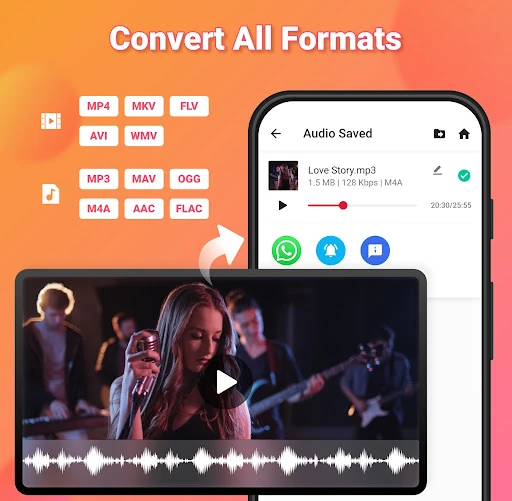
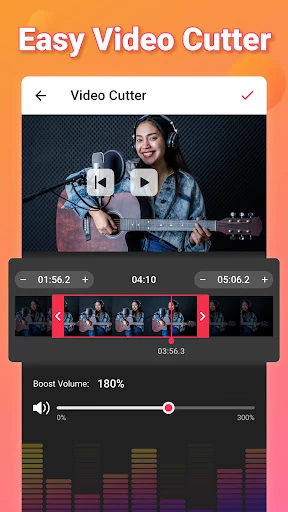
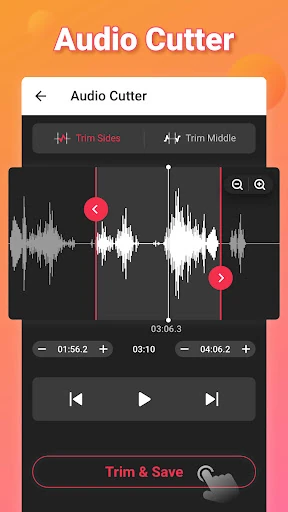
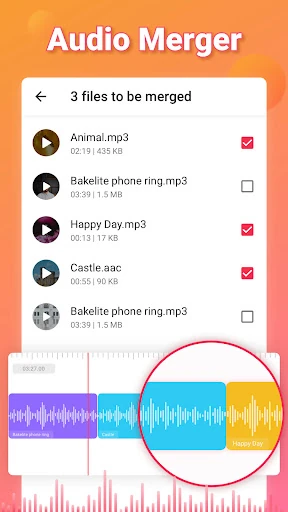
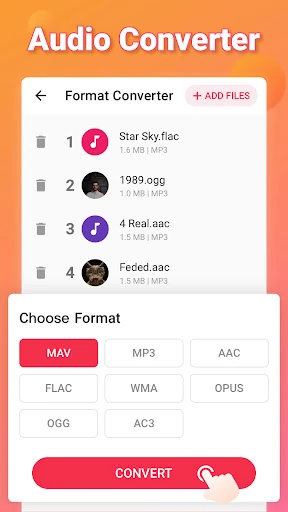
Before choosing it, check that it handles the files you use. Video formats include MP4, MKV, FLV, AVI and WMV; audio options include MP3, WAV, OGG, M4A, AAC and FLAC. The app can convert formats such as MOV to MP4 and M4A to MP3, as well as extract audio from video. It also offers video and audio trimming, audio merging, volume boost, fade effects and editing for track details such as title and artist.
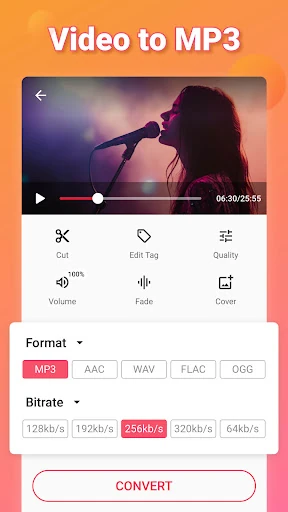
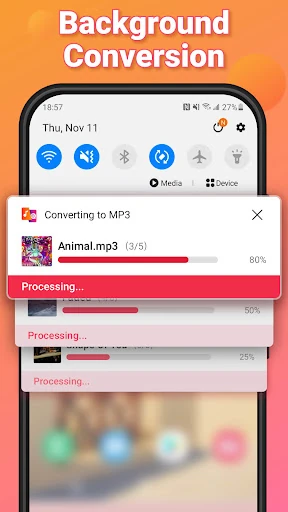
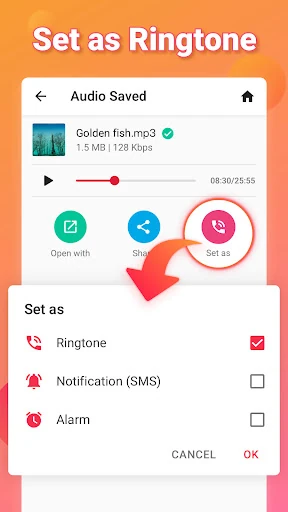
For conversion settings, you can choose among supported output types including MP3, AAC and M4A, and set an MP3 bitrate. Batch conversion can process up to 15 videos at once. Ringtone, alarm and notification sound options may be useful if you want to use an edited track on your phone.
Put this app beside two or three alternatives and compare the tasks you actually need: format conversion, trimming, merging, or ringtone creation. If you only need to extract a full audio track, a simpler converter may be enough. If you plan to edit clips or adjust output settings, check that those tools and formats are available in each candidate.
The listing shows a 4.75 rating from about 694,830 reviews and 50,000,000+ installs. Those figures indicate broad use, but they do not tell you whether the controls or conversion options suit your workflow. Check the current Google Play listing and compare the specific features you cannot do without before deciding.