PixAI: AI Anime Art Generator
Mewtant Inc.
Downloads
1,000,000+
Source
Google Play
Advertisement
Click to download now, finish the installation quickly, and directly unlock the all-round experience
Advertisement
Screenshots
Click to download now, finish the installation quickly, and directly unlock the all-round experience
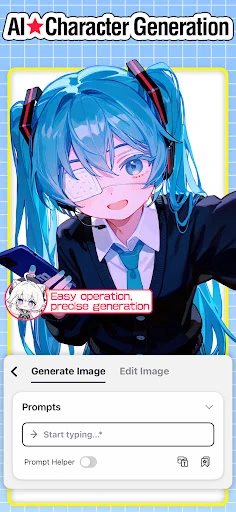
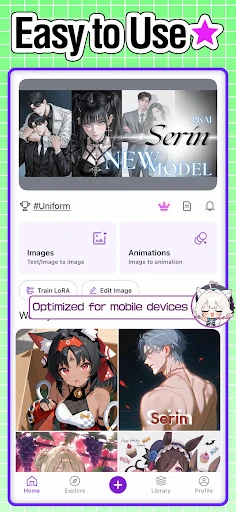
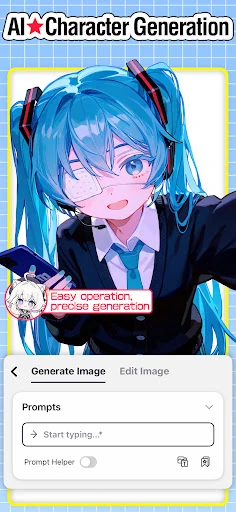
PixAI: AI Anime Art Generator creates anime-style images from ideas and photos. It suits people who want to explore character designs, visual styles, or AI-assisted edits without starting with a traditional drawing workflow. The app is made by Mewtant Inc. and is listed in Art & Design.
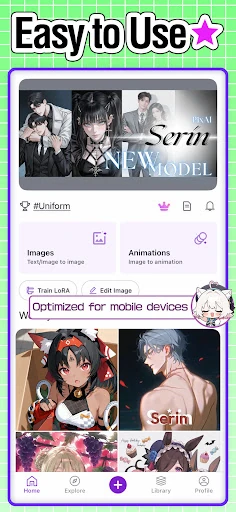
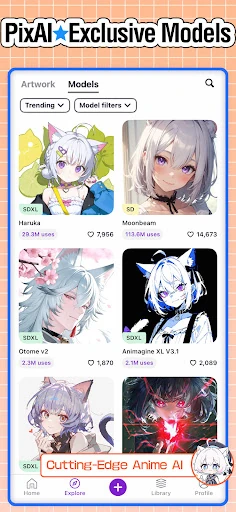
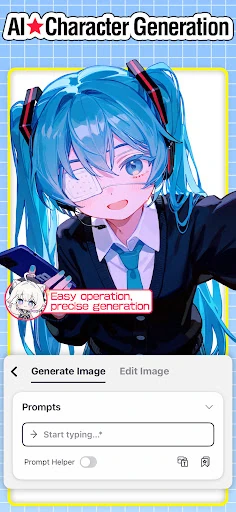
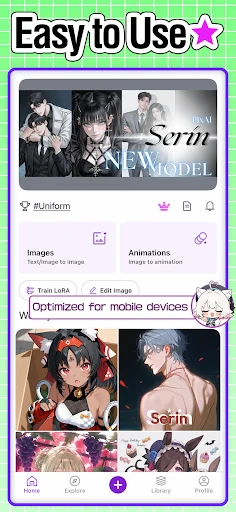
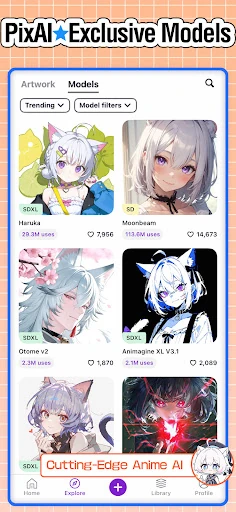
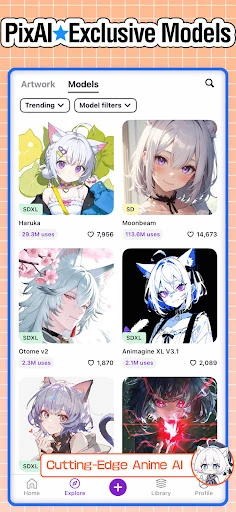
PixAI offers a Model Market with different AI models, including LoRA options, so model choice is part of the creative process. Its tools include inpainting and outpainting for changing parts of an image, plus ControlNet and high-resolution upscaling. You can also turn a photo into an animated character. These options may appeal if you want to refine generated work, rather than only create an image and stop there.
The app also provides online tools for training character or style LoRAs. If you mainly want a simple text-to-image tool, compare PixAI with two or three alternatives before choosing; its model selection and editing features matter most if you expect to use them.
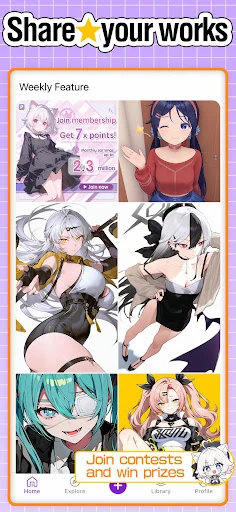
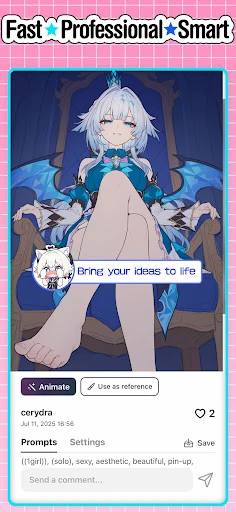
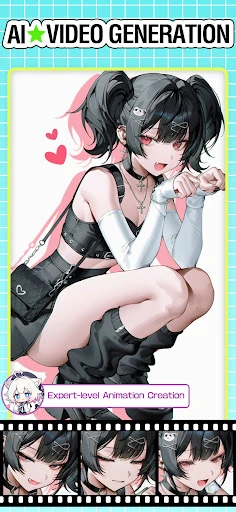
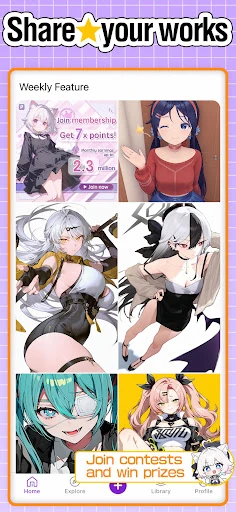
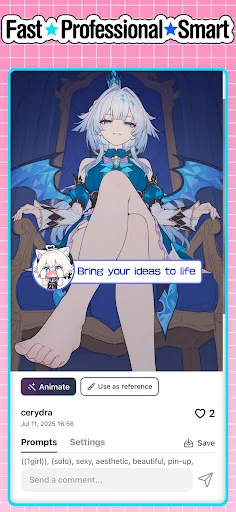
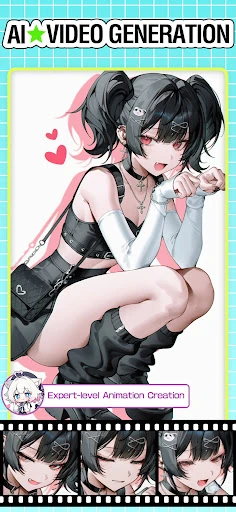
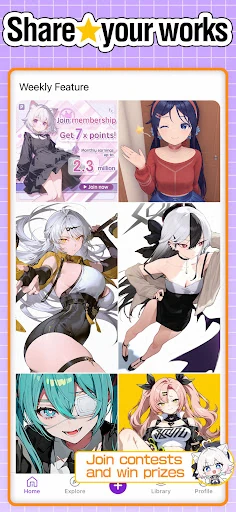
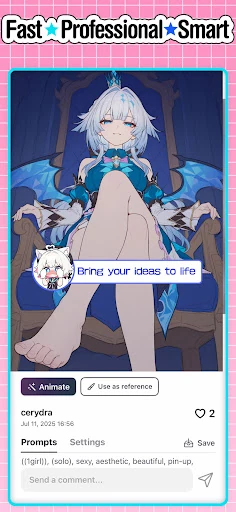
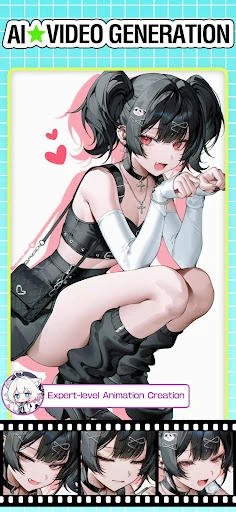
PixAI includes a gallery and marketplace for browsing and sharing artwork, as well as themed contests. A feature called Animate can turn still images into videos. These additions make the app relevant to users who want to share work or experiment beyond static illustrations, though they are not essential if you only need image generation.
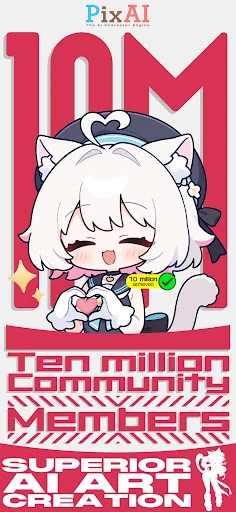
PixAI has a 4.44-star rating from 46,343 ratings and more than 1,000,000 installs. Those figures indicate broad use, but they do not tell you whether its models or tools fit your particular projects. Before deciding, identify whether you need anime-specific models, image editing, LoRA training, or community features, then compare the candidates that cover those needs.