
City On Fire Home App
Hadiz Studio
Downloads
1,000,000+
Source
Google Play
Advertisement
Click to download now, finish the installation quickly, and directly unlock the all-round experience
Advertisement
Screenshots
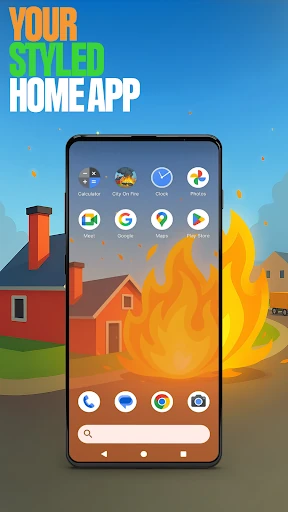

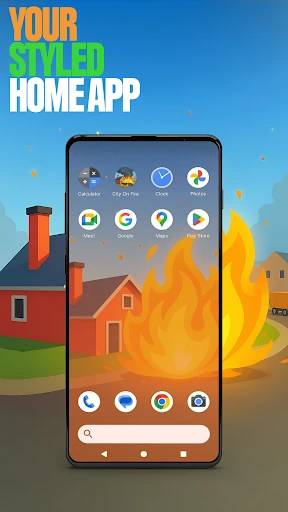

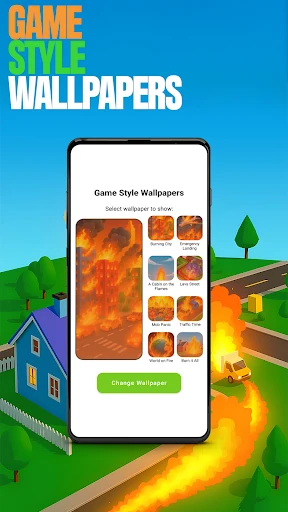
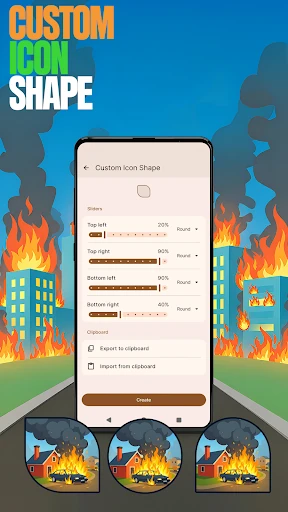


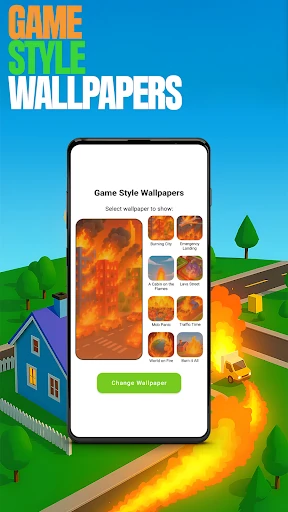
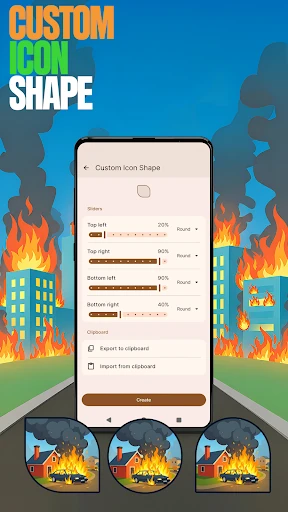

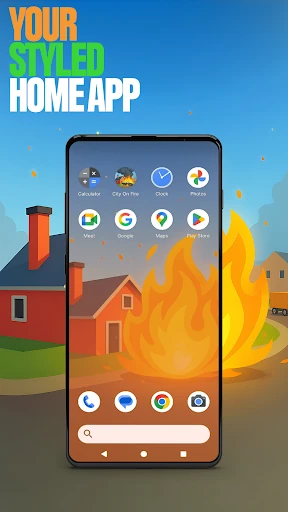

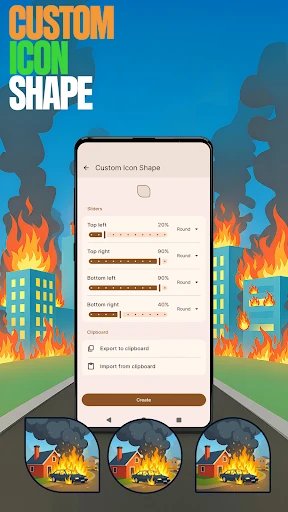
Click to download now, finish the installation quickly, and directly unlock the all-round experience
City On Fire Home App is an Android launcher for people who want to change how their home screen looks and how they reach apps. It offers options for icon shapes, accent colors, wallpapers inspired by the City On Fire game, and app-drawer organization. You can also set gestures to open an app, settings, or the app drawer.
Before choosing a launcher, decide which changes matter most to you. If you mainly want a different look, compare the wallpaper, icon, and color choices with those in two or three other launchers. If quicker access is the priority, check whether the gesture controls suit your habits. The app also lets you hide apps from the app drawer; consider whether that is useful for the way you organize your phone.
These controls are available from the home screen’s long-press menu and home settings. As with other launchers, choosing it for everyday use can change the home-screen layout. The supplied information says your previous layout is not affected if you switch back.
The home app is separate from the City On Fire game mentioned in its description. The game can be opened from an icon on the home screen, but the launcher’s main purpose is customizing and using that screen. If you are looking for a game rather than a home-screen replacement, compare the game itself instead.
City On Fire Home App is published by Hadiz Studio in the Personalization category. It has a 4.46 rating from 3,120 ratings and more than 1,000,000 installs. Those figures offer a snapshot of its reach and user feedback, but they do not show whether its particular customization choices fit your device or preferences. Put it beside a couple of alternatives, check the features you cannot do without, and choose from Google Play.